How Home Healthcare Teams Can Turn Lone Worker Safety Into a Daily Workflow
Home healthcare workers regularly enter environments their employer cannot fully control.
They may visit unfamiliar properties, work with vulnerable patients, encounter family members or pets and travel between appointments throughout the day.
Most visits are routine. The challenge is making sure the safety process still works when one is not.
Home-based care creates a different safety environment
A healthcare worker inside a hospital usually has colleagues, established procedures and emergency support nearby.
A home visit is different.
The employee may be alone with a patient or family member. The property may be unfamiliar. Cellular coverage may be poor.
A situation can also change quickly if a person becomes aggressive, the employee experiences a medical emergency or something happens while traveling between appointments.
Organizations need a process that reflects those realities.
Move beyond informal check-ins
Phone calls and text messages can help teams stay connected, but they rely on people remembering to send and monitor them.
A stronger process defines when employees should check in, what happens if they do not and who takes responsibility for responding.
The goal is to turn safety into a repeatable workflow.
That may include a check-in at the start of a visit, a timed activity for higher-risk appointments and a clear escalation process if the worker fails to confirm they are safe.
Adoption depends on keeping the process simple
Healthcare teams already work under significant time pressure.
A safety process that creates too much administration will struggle to become part of normal working practice.
Workers should know what they need to do, why it matters and what happens if they request help.
Managers also need clear responsibilities. If an alert arrives, the response should not depend on somebody deciding whether another person will handle it.
Train for the moment something goes wrong
Training should cover more than how to use an app.
Employees need to understand what happens after they raise an alert.
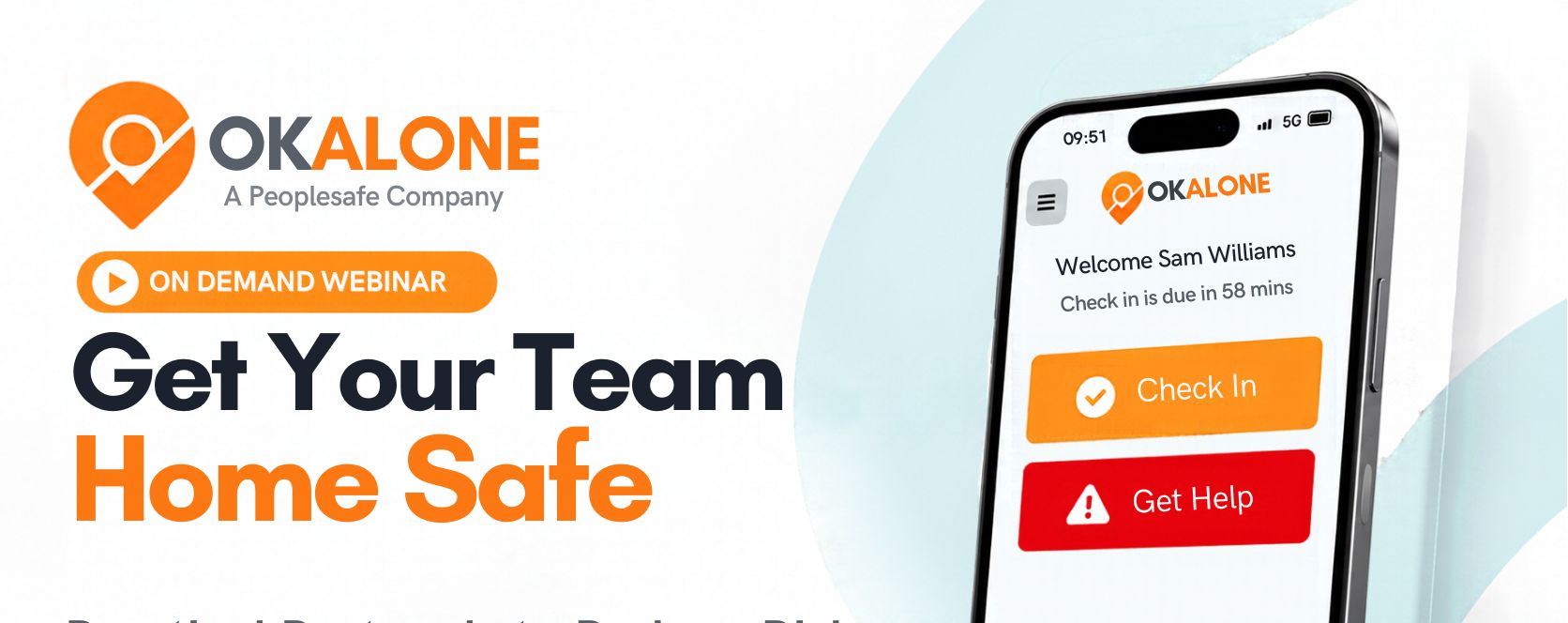
Who receives it? Will someone contact them? When does escalation begin? What should they do while they wait? The on-demand Get Your Team Home Safe webinar explores practical protocols that home healthcare organizations can use to reduce risk, improve response readiness and make safety part of everyday work.

Stacey Manclark
As an expert in lone worker content management, I possess an extensive knowledge base and experience in the area of lone working and safety monitoring. My expertise in this field encompasses a wide range of areas, including risk assessment, training, communication, and technology. I have a deep understanding of the unique risks associated with lone workers and have researched and written many projects and articles to educate people in how to mitigate these risks.
Throughout my time with OK Alone, I have kept up to date with technological developments, legislative changes and regulations that have been introduced to help organizations ensure the safety of their lone workers.
Book a Demo Today
Alternatively, get a free trial of the app
Want to try OK Alone? Click the button below and enter your details. It's free and no credit card is required.
