Simple for Workers
Employees can check in, manage their safety sessions, and raise a Help Alert using a familiar smartphone app.
Since 2013, OK Alone has helped organizations support people working on their own. Discover how our employee app, cloud-based dashboard, and flexible monitoring options bring day-to-day safety procedures together.














Founded in 2013 and now part of Peoplesafe, OK Alone helps organizations support employees who work alone, in the field, on the road, and after hours.
Workers can check in and send Help Alerts using the app. Safety managers can review worker status, location information, and alerts through a cloud-based dashboard. Organizations can choose in-house monitoring, additional automation, or a professional 24/7 monitoring option depending on their needs and plan.

Why OK Alone
Good lone worker safety needs to be easy for employees to use and straightforward for managers to support. OK Alone connects everyday check-ins with the people and processes responsible for a response.
Employees can check in, manage their safety sessions, and raise a Help Alert using a familiar smartphone app.
The cloud-based dashboard brings together worker status, available location information, and alerts to support timely follow-up.
Choose how your team manages responses, from designated in-house contacts to automated workflows and a separate professional monitoring service.

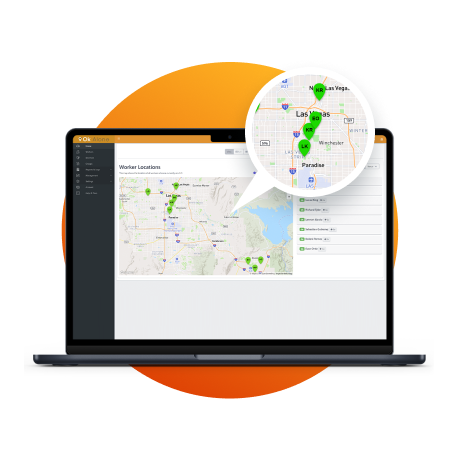
When workers raise a Help Alert, designated monitors can access the information available under your setup and follow the escalation process your organization has chosen. Professional 24/7 monitoring is a separate service option.

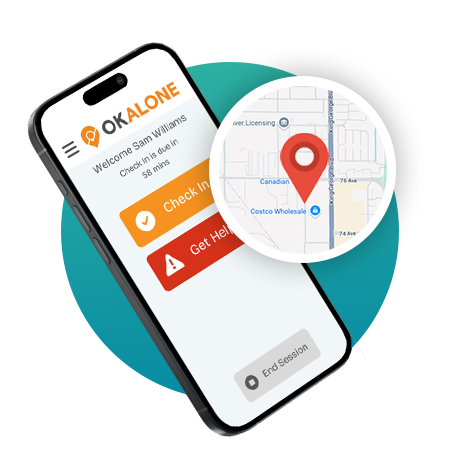
Location information and worker status updates can help managers coordinate support. Availability depends on device settings, connectivity, and permissions.

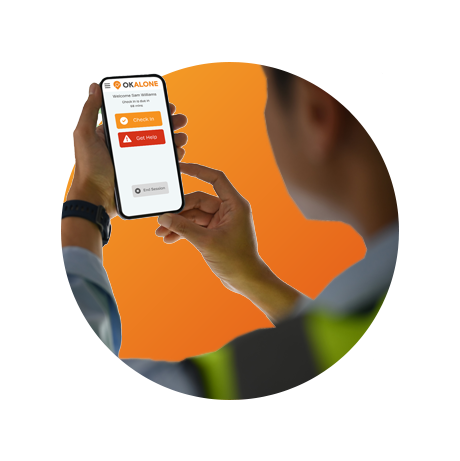
Workers can confirm they are safe during shifts or higher-risk tasks. Automated reminders and escalation features are available according to the selected plan.

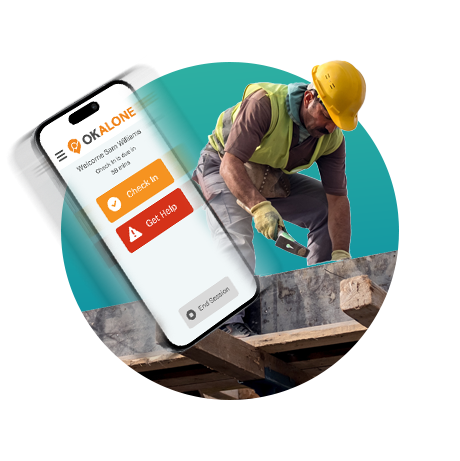
Supported smartphone features can identify inactivity or potential falls and prompt a response workflow. Man Down and Fall Detection use different triggers.

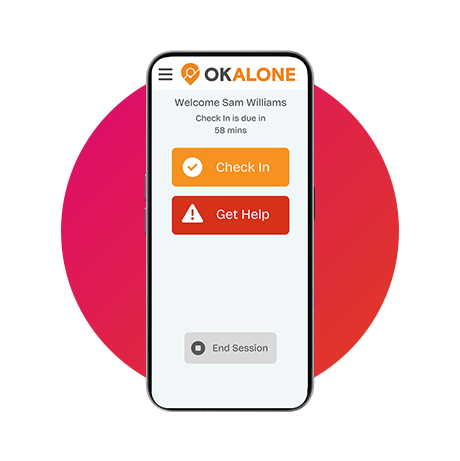
A prominent Help button gives workers a fast way to signal concern. Monitoring and escalation follow the organization’s chosen response arrangements.
Choose how alerts are handled
OK Alone supports different approaches to lone worker monitoring. The right setup depends on your working patterns, risk assessment, and who is available to respond.
Your designated colleagues review worker status and handle Help Alerts through an agreed internal response procedure.
Explore plan optionsSelected plans add reminders and configured escalation workflows to help teams follow up when a worker is overdue.
How monitoring worksFor organizations that need an external response team, the Safety Monitoring Center is available as a separate service option.
Explore the Safety Monitoring CenterFeatures and monitoring arrangements depend on the selected plan and configuration. The app supports, rather than replaces, your organization’s safety procedures.
From utility technicians and delivery drivers to home health workers and employees on late shifts, working alone looks different across industries. Explore the workplaces and risks relevant to your team.
Information security is an important part of protecting the people who rely on OK Alone. As part of Peoplesafe, we are certified to ISO/IEC 27001:2022, the international standard for information security management.
Our approach includes managing information security risks, maintaining appropriate controls, and continually improving how sensitive information is protected.
Find out more about our data security practices.
Real customer experiences from organizations using OK Alone to support their employees.
View all Case Studies


OK Alone provides a lone worker safety app and cloud-based dashboard with check-ins, Help Alerts, location information, and optional monitoring services.
Organizations with staff who work independently, visit customers, travel between sites, work remotely, or cover evening shifts can explore OK Alone for their safety procedures.
The designated response team or professional Safety Monitoring Center responds according to the organization’s setup and selected service. Professional 24/7 monitoring is not included with every plan.