Start a Shift
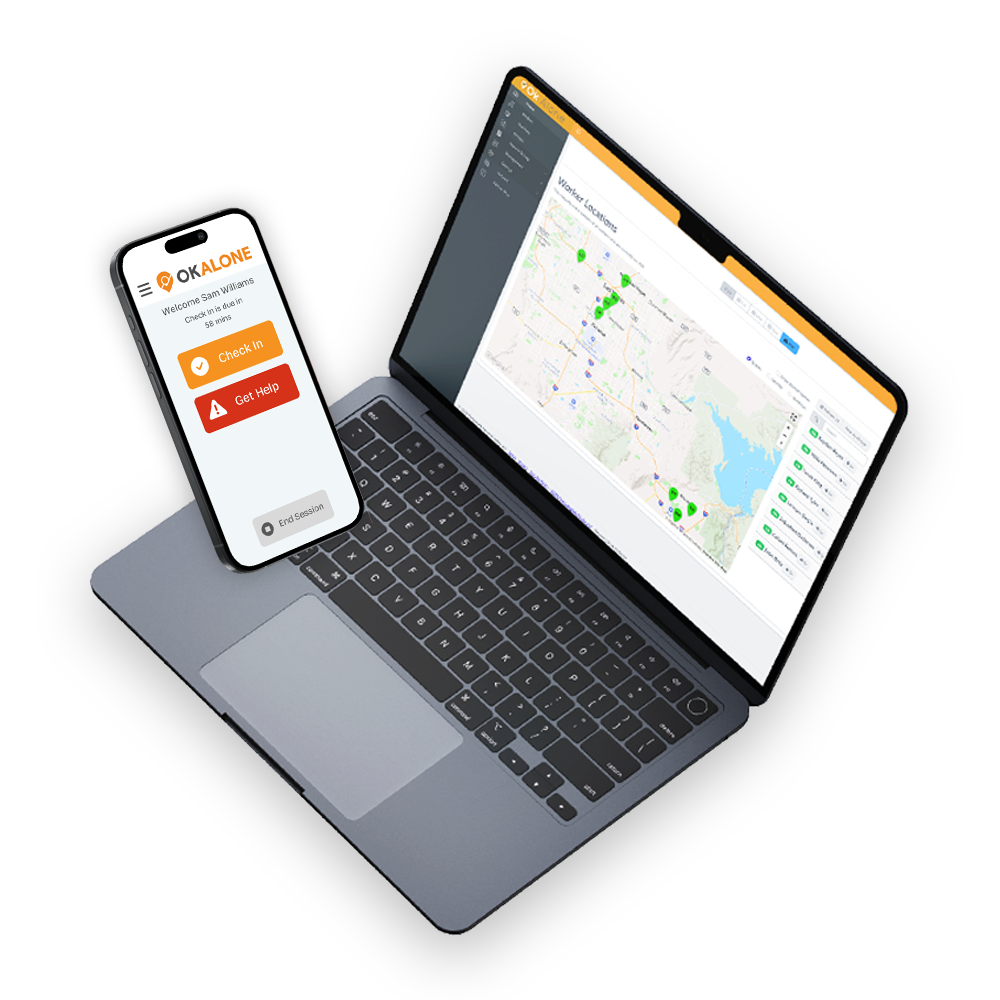
Workers check in using the OK Alone app to begin their monitoring session.











Scheduled check-ins make it easier to notice when a worker may need support. When someone is overdue, OK Alone helps designated monitors see that a check-in has been missed.
What happens next follows your chosen monitoring arrangement and response procedure. Automated reminders and escalation features depend on the selected plan and configuration.
From a check-in to a response
Make it easy for your team to see what happens next, from a routine check-in to an agreed follow-up.
Workers check in using the OK Alone app to begin their monitoring session.
Check-in intervals are set for your team. Reminders are available with applicable plans.
Missed check-ins can be flagged, with notifications sent according to your configured monitoring options.
Your designated monitors follow the agreed response procedure and decide the appropriate next steps.
Professional 24/7 Safety Monitoring Center services are available separately; they are not included in every plan.

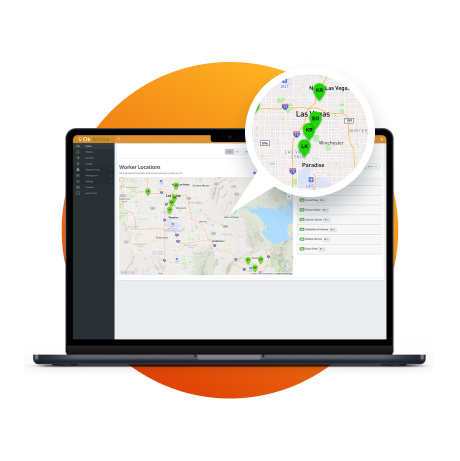
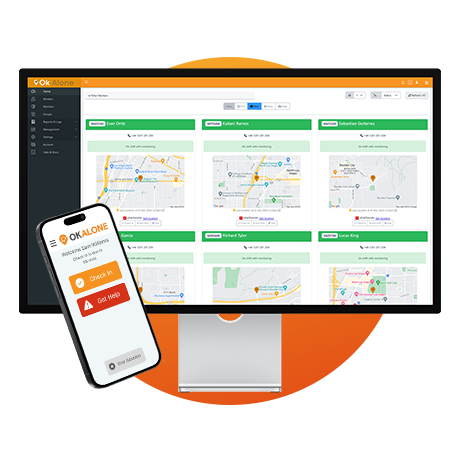
The dashboard brings worker check-in status and available location information into one view to help safety teams assess where attention is needed.

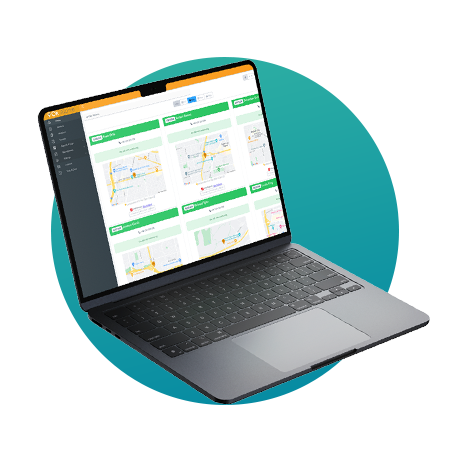
Configure check-in frequency and worker groups for different duties, shift patterns, and risk levels.

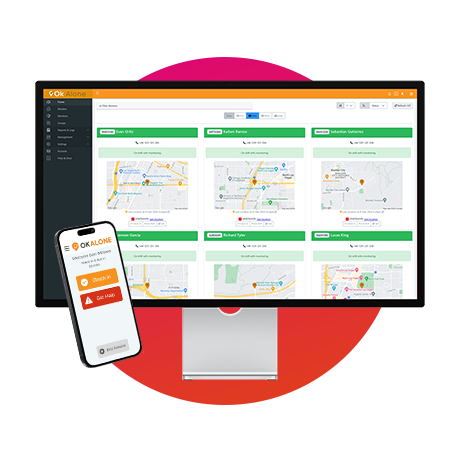
Manage worker records, schedules, and relevant settings from the cloud dashboard.

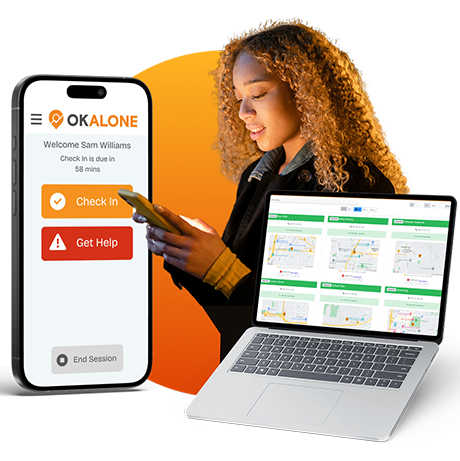
Use reporting and recorded activity to review how check-ins and alerts were managed and identify opportunities to improve procedures.

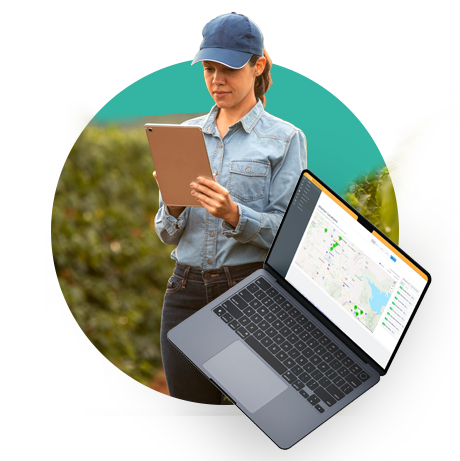
Location information can help designated responders understand where assistance may be needed, subject to device connectivity and permissions.
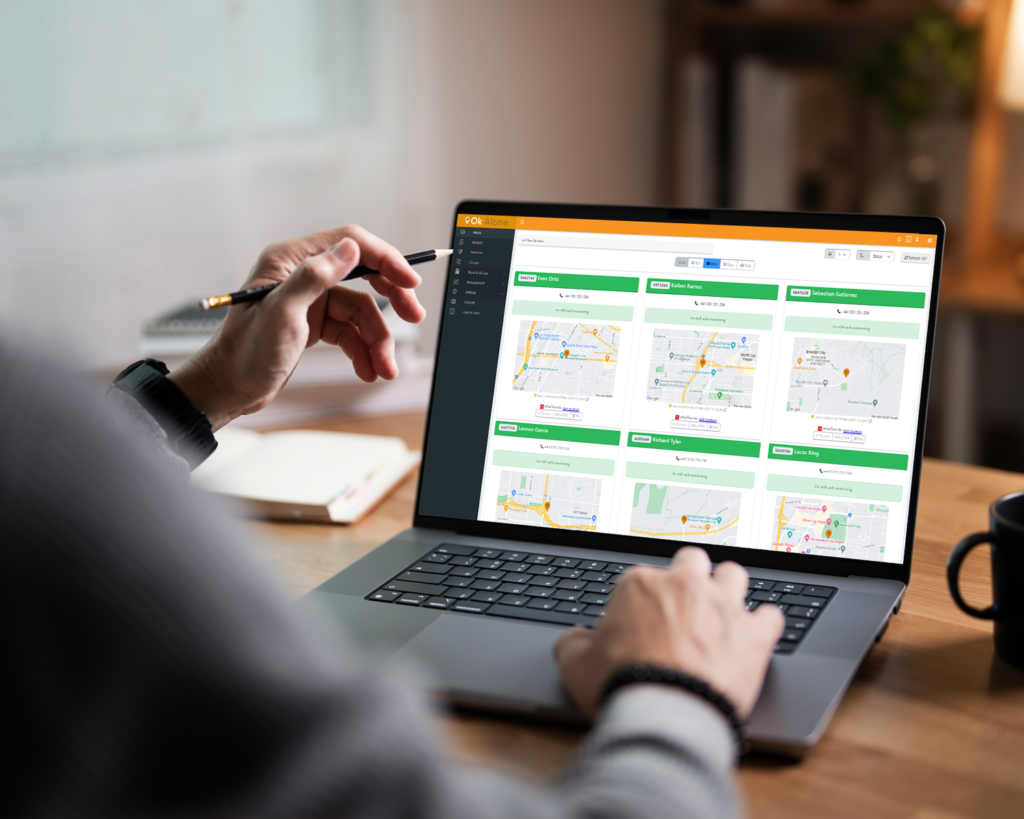


See how customers use check-ins across different roles and shifts.
View all Case Studies
The system can flag a missed check-in and notify designated monitors according to your plan and configured escalation procedures. Your organization remains responsible for defining how people respond.
OK Alone supports configurable check-in frequencies so teams can align the process with work schedules and risk levels.
No. Essential Protection supports in-house monitoring; Automated Monitoring adds automated reminders and escalations. Professional Safety Monitoring Center services are offered through a separate 24/7 Emergency Response option.
