Man Down and Fall Detection

Man Down Alarms and Fall Detection for Lone Workers

When someone working alone cannot press the Help button, Man Down inactivity monitoring and Fall Detection can provide another way to raise an alert. Explore how OK Alone helps your team recognise potential incidents and follow a planned response.
Get a Quote
Fall Detection

Join 400,000 employees already protected by OK Alone

Protection You Can Count On

employees protected
countries served
protecting lone workers since

Two Different Ways to Recognize a Potential Incident

Both features help when a worker may be unable to request assistance, but they respond to different warning signs.

Man Down: Extended Inactivity

Tracks a configured period of non-movement using the worker’s smartphone. If the worker does not respond to the reminder, the system can raise an alert.

Fall Detection: Possible Falls

Uses sensors on supported smartphones to identify movement patterns associated with a fall. An alert can follow if the worker does not confirm they are safe.

Detection and alert delivery depend on the supported device, app settings, connectivity and configured response procedures.

Explore the Features Behind the Alerts

Choose a feature to see what workers and designated monitors can expect. The right configuration depends on your team, devices, and response plan.

Man Down Monitoring

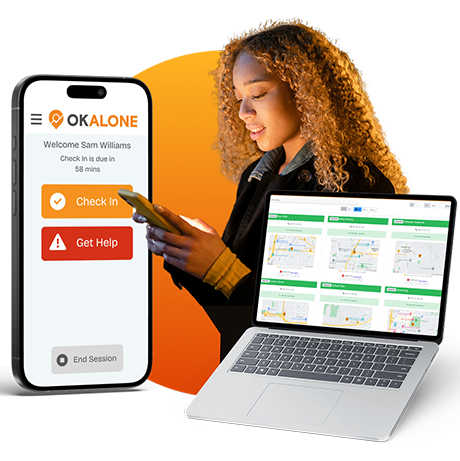
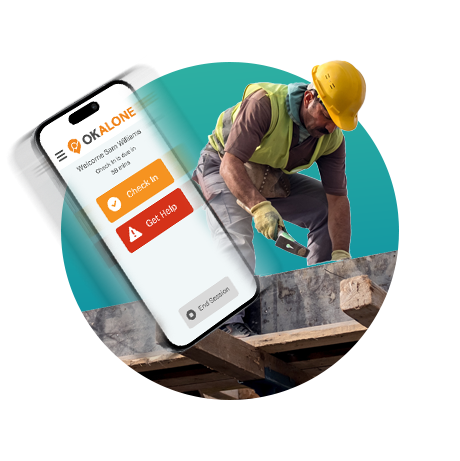
Set an inactivity period for a worker using a supported smartphone. If the worker has not moved for the selected time, the app can prompt them to confirm they are safe. An alert may be sent to designated monitors if there is no response.

Fall Detection

On compatible devices, Fall Detection looks for motion patterns associated with a possible fall. The app can provide a configurable chance to cancel a false alarm before escalating a potential incident.

Safety Dashboard

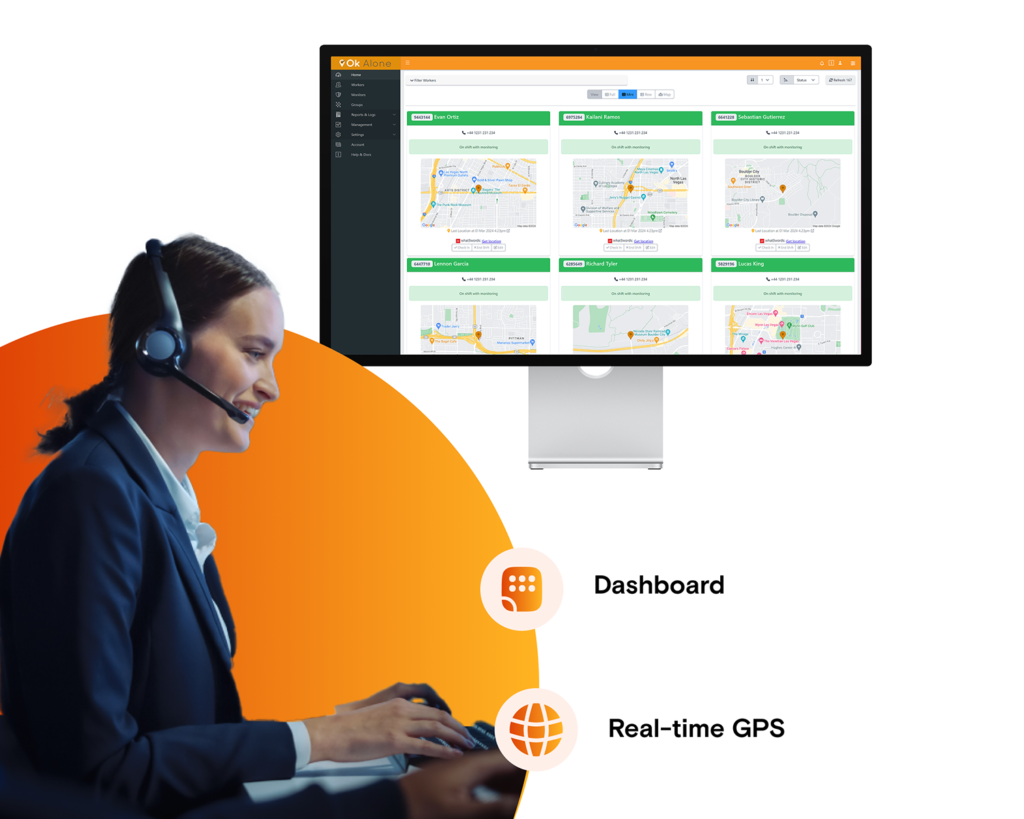
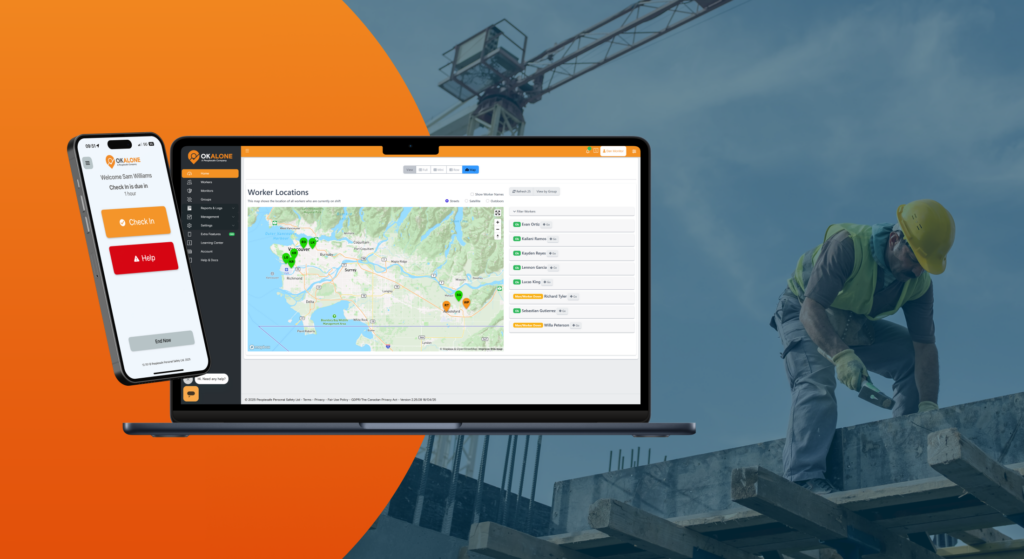
Designated monitors can review worker status, relevant location information, and incoming alerts in the OK Alone dashboard. Availability of location updates depends on network access, permissions, and device settings.

Response Options

Your organization can define its own monitoring and escalation contacts, choose automated monitoring features, or explore a professional 24/7 Safety Monitoring Center service. Live professional monitoring is a separate plan option, not standard in every package.
How Man Down and Fall Detection Alerts Work

1. Detect a Potential Issue
During an active work session, the enabled feature checks for its configured warning sign: extended inactivity or a movement pattern consistent with a fall.
2. Give the Worker a Chance to Respond
The app can ask the worker to confirm they are okay, allowing them to dismiss a potential false alarm when able to respond.
3. Follow the Escalation Procedure
If the worker does not respond, the alert follows your selected monitoring and response arrangements. A separate 24/7 professional service is also available.

When Can Automatic Alerts Make a Difference?

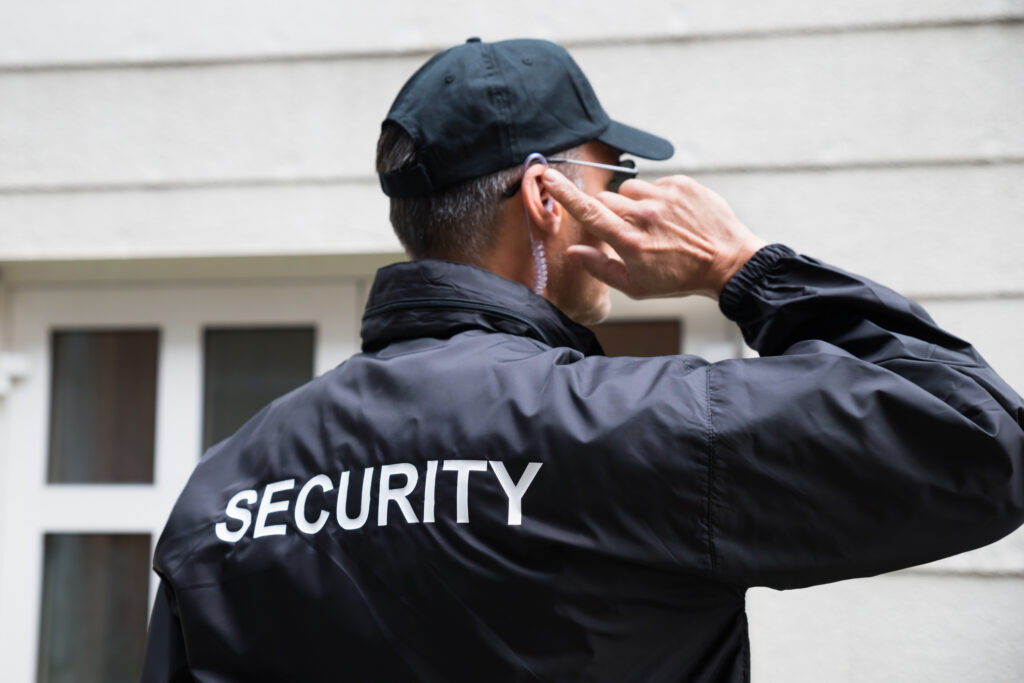
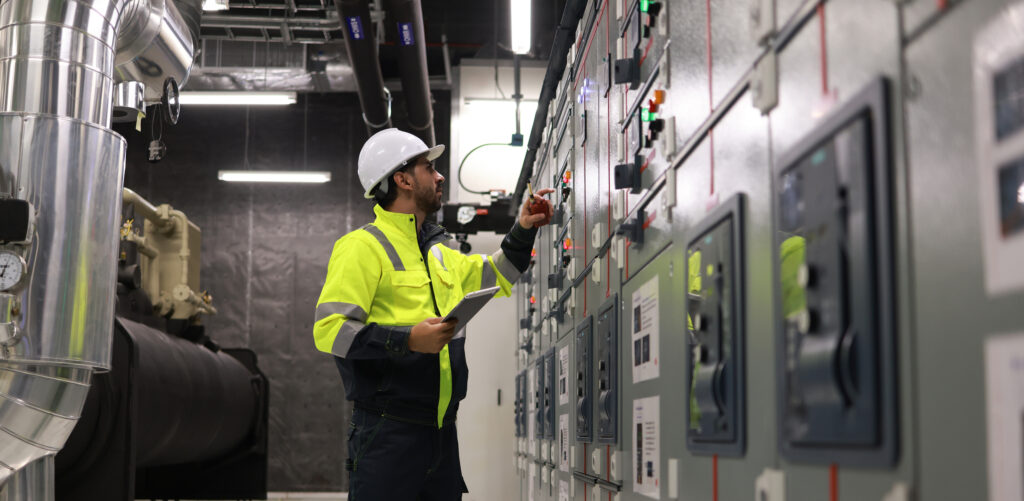
A worker may be unable to call for help following a fall, injury, or sudden illness. Explore roles in construction, utilities, agriculture, logistics, and other sectors where the right detection settings can add protection to a lone working procedure.

Case Studies

What Field Teams Value About OK Alone

Customer experiences with the OK Alone safety platform. These testimonials describe the wider service, not specific use of Man Down or Fall Detection.

View all Case Studies

Having OK Alone paired with Geotab is a great feature from a management point of view. With vehicles and staff visible on the same app, it provides me with both location and safety assurance and is a one-stop shop for assessing field work.
Ed Hoppe, City of Kelowna
We love the OK Alone working alone solution. It allows us full control of our working alone protocols with an easy to use and cost effective solution. With the support of the OK Alone App, we can ensure that our employees stay in contact and are safe at all times.
Norm De Wet, Athabasca County

See How Man Down and Fall Detection Could Work for Your Team

Explore device compatibility, detection settings, and the monitoring options that fit how your people work alone. We will show you the app and dashboard and help you plan the next step.
Book a Demo
Enquire
Hi. Need any help?