Workers Stay Connected
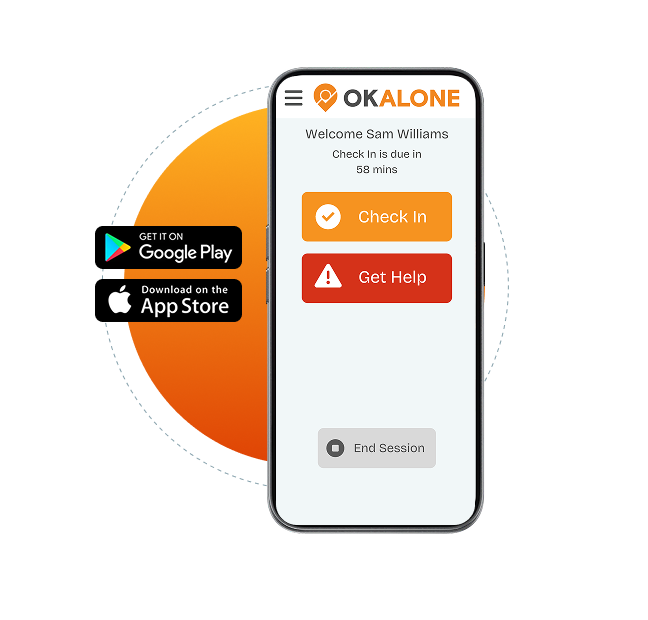
Employees start a session, check in as required, or use the app to request help when a situation changes.












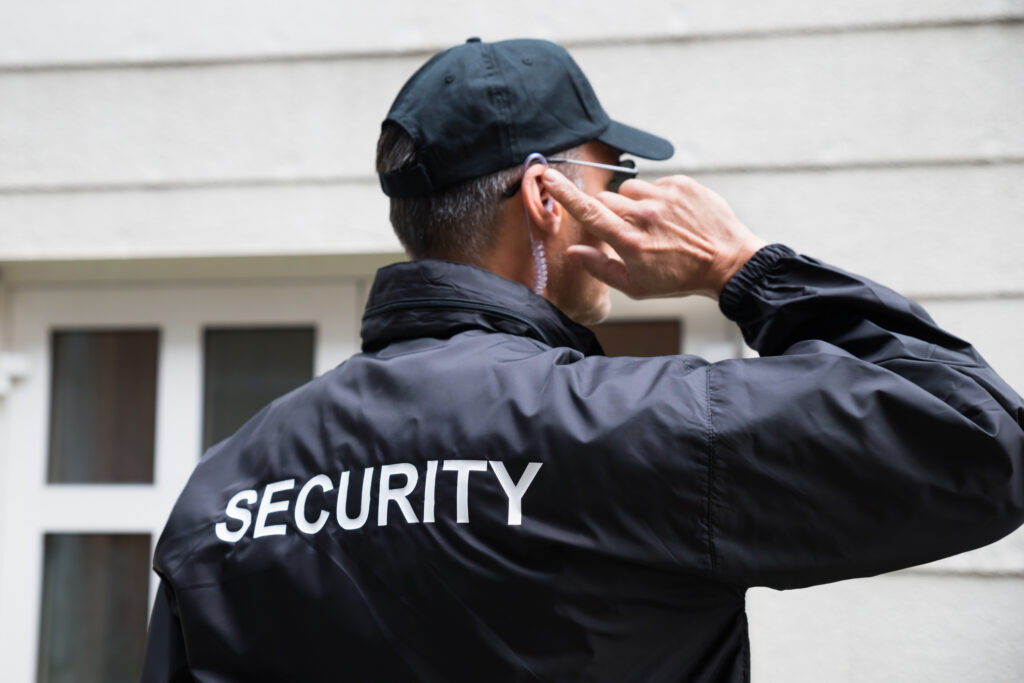
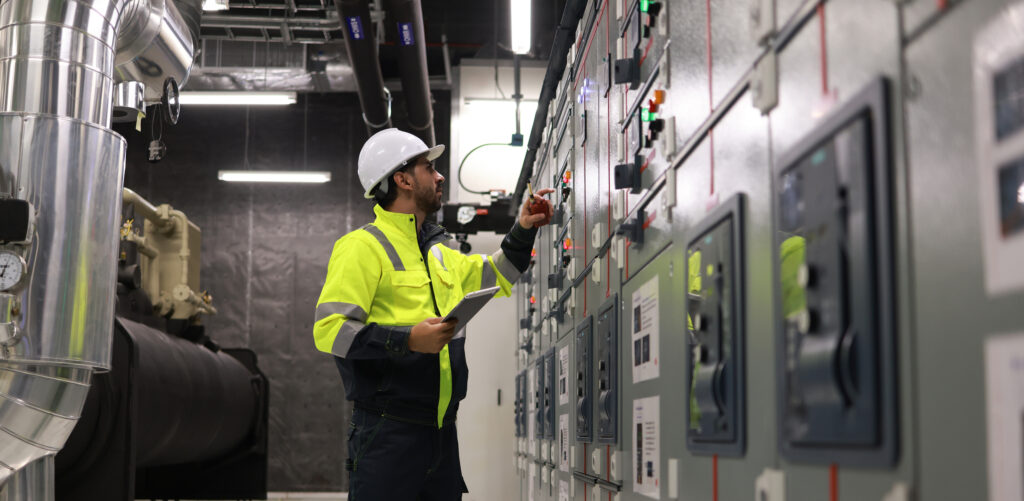
Working alone can mean a field technician on a remote site, a healthcare worker visiting a client, or a security officer on a late shift. OK Alone helps employees check in, request help, and share relevant location information when needed. Managers can follow worker status and respond to alerts through the safety dashboard. Explore the video to see the app in action.
From app to action
A simple connection between the worker, the team monitoring their safety, and the response procedure your organization has agreed on.
Employees start a session, check in as required, or use the app to request help when a situation changes.
Designated monitors can review worker status, available location details, missed check-ins, and alerts in the dashboard.
Alerts follow your chosen monitoring arrangement and escalation procedure so responsible contacts know when to act.
Available reminders, automated escalation, and professional monitoring depend on your plan and configuration.

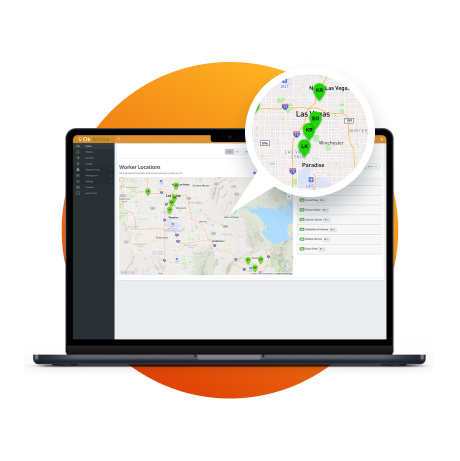
Workers can use the OK Alone app to send an emergency help alert. Designated responders receive the information they need to follow your organization’s response process. Professional 24/7 monitoring is available as a separate service option.
Lone Worker Alarm
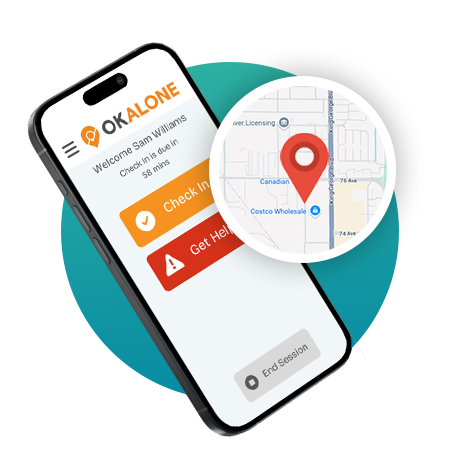
GPS location information helps safety teams understand where a worker may need support. Location settings can be adjusted to balance accuracy and battery usage.
Lone Worker Monitoring
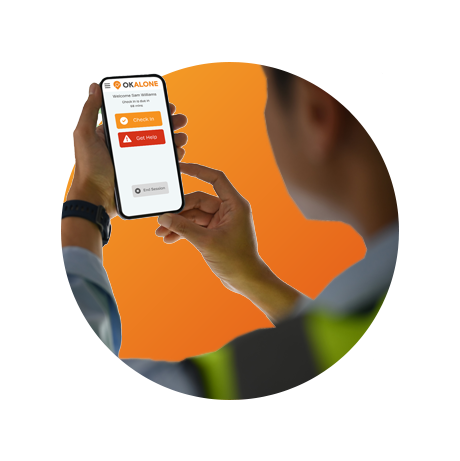
Employees can check in during a shift or before higher-risk activities. If someone misses a scheduled check-in, the system can notify the designated monitoring team so they can follow up.
Lone Worker Check-in
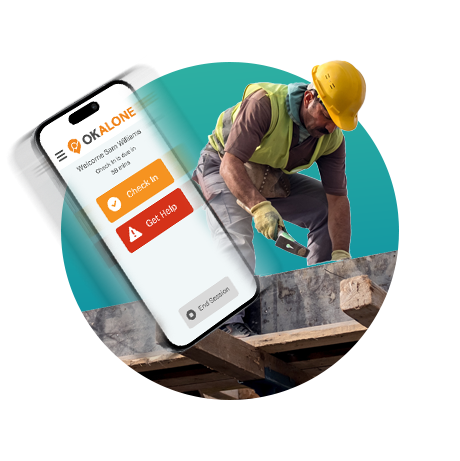
Supported iPhone and Android sensors can help detect sudden falls or prolonged lack of movement, with configurable settings and an opportunity to cancel unintended alerts.
Find out more
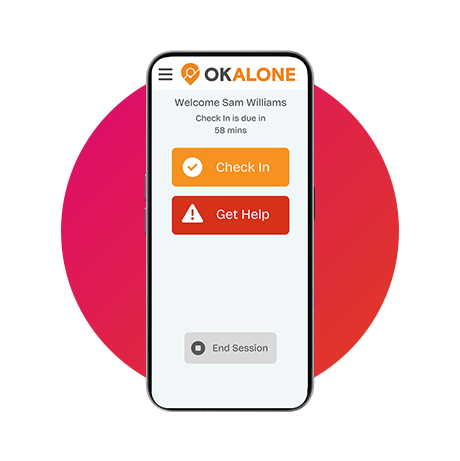
The Get Help button gives lone workers a straightforward way to raise an alert when they feel unsafe or need assistance.
Lone Worker Panic Button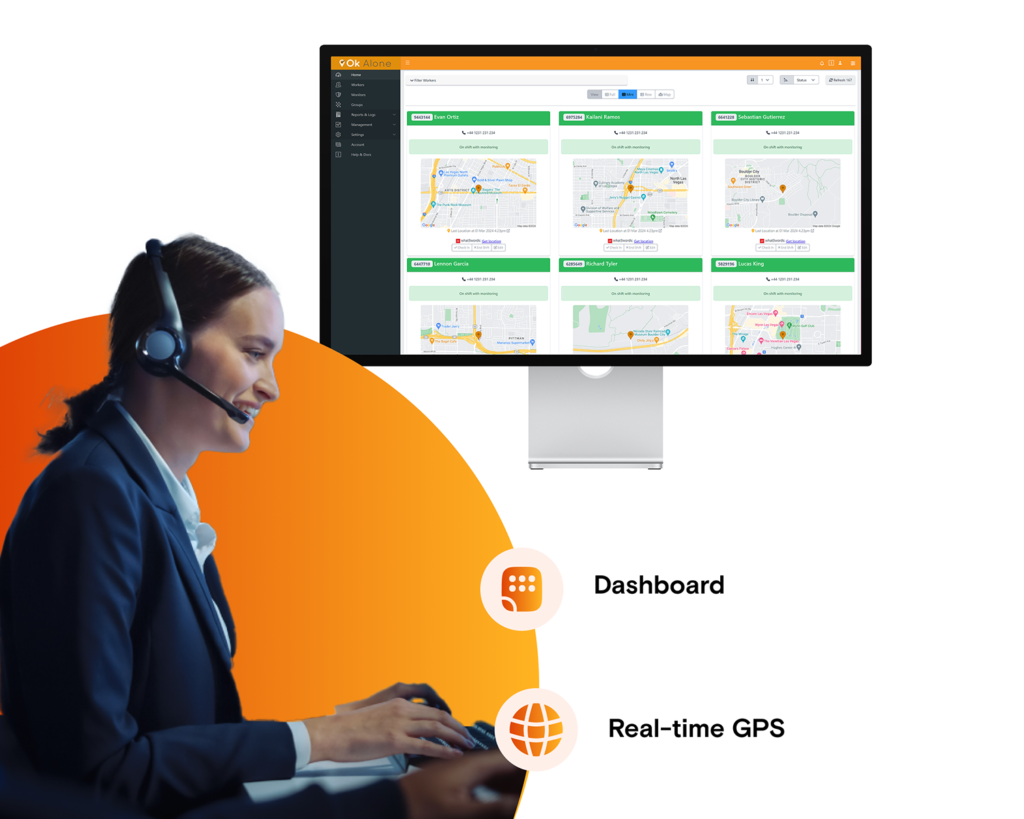

See worker status, available location information, check-in activity, and alerts in a cloud-based dashboard. Give designated monitors information to support your agreed response process.
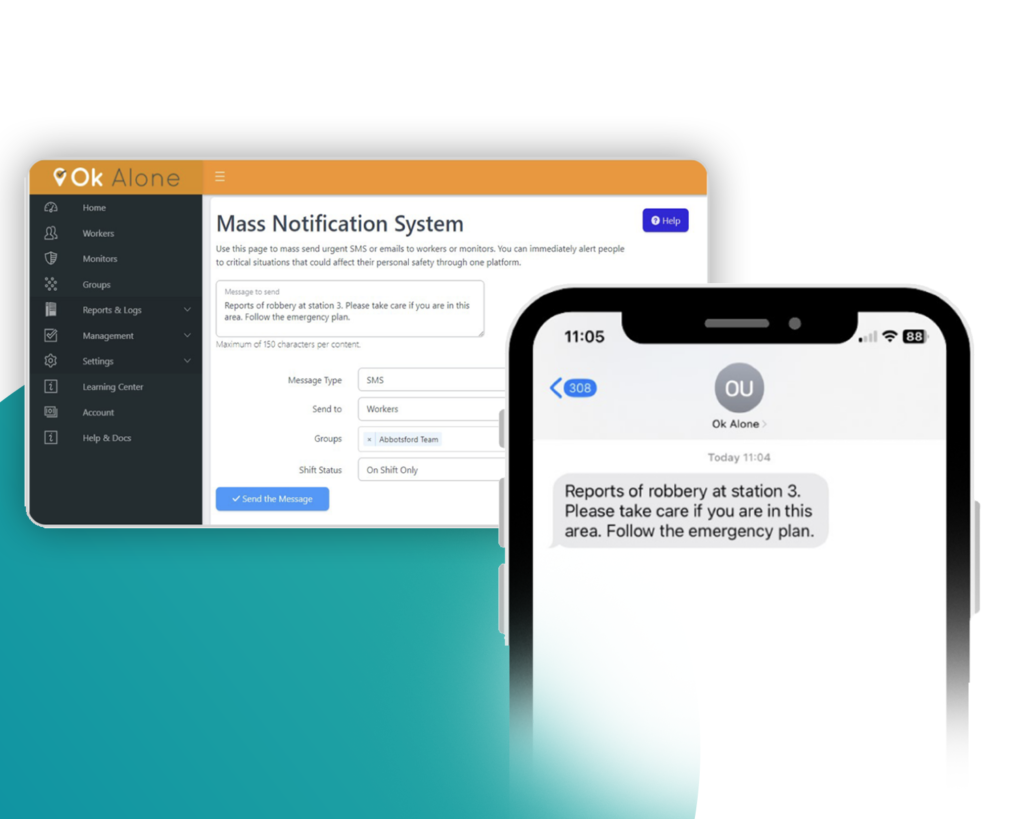
Share important safety information with selected workers or wider teams. Team Broadcast complements individual check-ins and emergency Help Alerts.
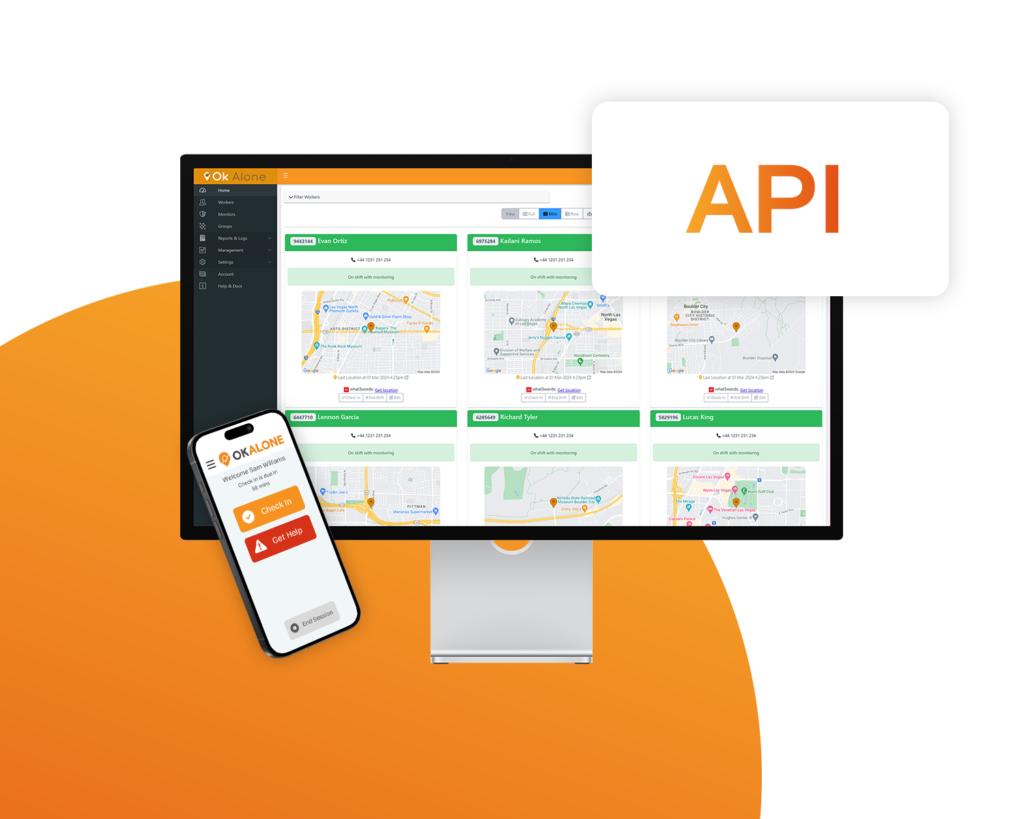
Connect selected fleet and workforce systems with OK Alone to help bring worker safety into existing operations. Integration availability depends on the platform and setup.
Explore how selected OK Alone services can be connected to your own software or operational workflows using available API options. Confirm the technical requirements with the OK Alone team.
Choose how alerts are handled
The app is one part of the process. Decide how your team will monitor check-ins, manage alerts, and respond when assistance is needed.
Assign your own team to review worker status and respond to check-ins and alerts under your agreed procedures.
Use plan-dependent reminders and escalation features to support follow-up when workers are overdue or request help.
Explore a separate Safety Monitoring Center service for professional alarm handling and emergency response.
Some organizations manage alerts in-house. Others want access to trained professionals when employees request assistance. OK Alone also offers a dedicated 24/7 Safety Monitoring Center option for teams that need professional alarm handling and response.
During a demo, we can help you understand how this separate service works alongside the app, dashboard, and your own escalation procedures.
Explore Professional Monitoring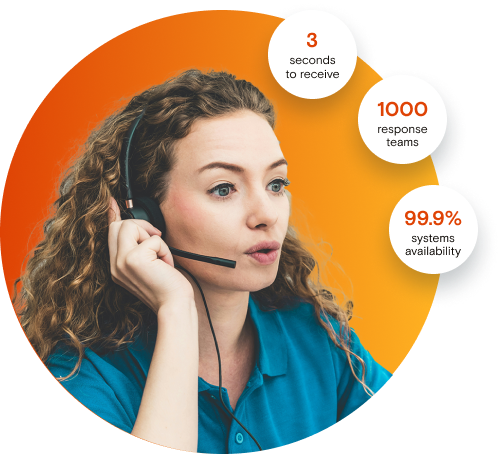
Working alone is not limited to remote locations. It can mean visiting customers, working after hours, driving between sites, or handling equipment without a colleague nearby. Explore the kinds of roles and workplaces where a reliable check-in and alert process can help.
See how organizations with different lone worker safety needs use the app to support their teams.
View all Case Studies



A lone worker is someone who works without direct supervision, even for part of a shift. Examples include delivery drivers, security officers, field technicians, healthcare staff making home visits, and employees working alone at opening or closing time.
When an employee misses a scheduled check-in, OK Alone can send an alert to the people responsible for monitoring that worker. The response depends on the organization’s configured settings and escalation procedures.
OK Alone offers API and third-party integration options, including selected fleet and workforce platforms. The team can confirm which integrations are available for your systems during a demo.
Not with every plan. OK Alone offers in-house monitoring, automated monitoring features, and a separate professional 24/7 Emergency Response option. Your choice depends on your team’s needs.